◆
Six maps, one pass
Albedo, normal, roughness, metallic, ambient occlusion and height — generated together so they stay in sync.
// CREATIVE PIPELINE TOOL
One source texture in. A complete, engine-ready PBR map set out — built from recipes, not guesswork. Part of the JCH Soft creative pipeline.
PBR_Generator is part of our creative pipeline — the engine that produces every PBR material we use in Blender, Godot, Unreal Engine and Unity. It generates the textures behind our development work. This page shows how that generation workflow operates.
01 / WHAT IT DOES
Albedo, normal, roughness, metallic, ambient occlusion and height — generated together so they stay in sync.
Every material stores its exact generation parameters. Same recipe, same result — regeneratable months later.
Export tuned for Godot, Unreal Engine and Blender. Maps land where each engine expects them, first time.
Materials are verified in a live Godot test project under real lighting before they're considered done.
02 / LIVE EXAMPLE
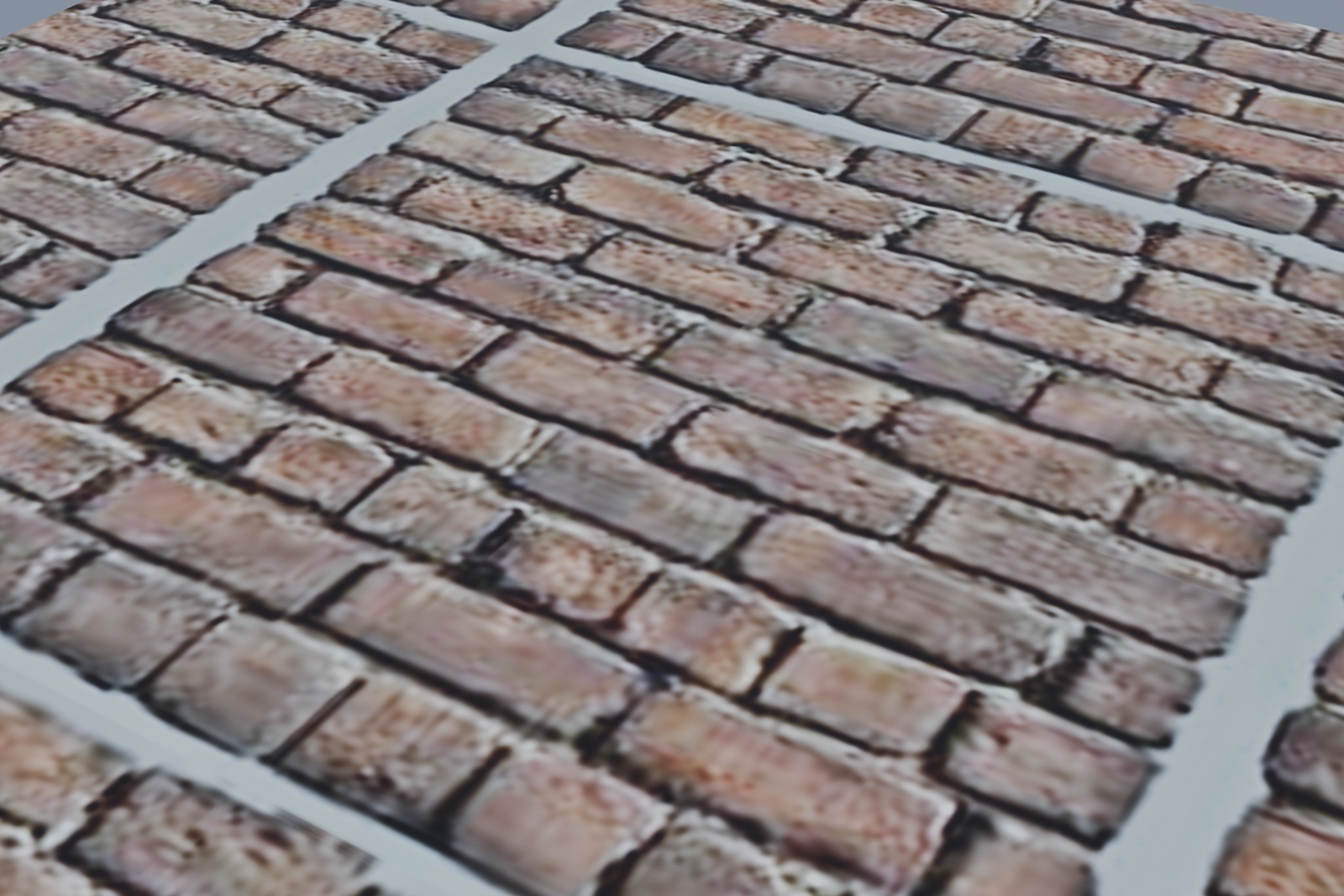
A complete map set generated by PBR_Generator from a single source photo, rendered live in Blender Cycles. This preview uses all six generated maps together — base color, normal, roughness, metallic, AO and height.
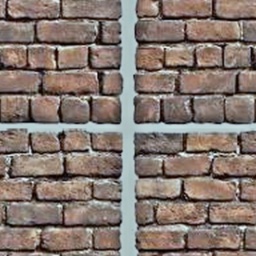
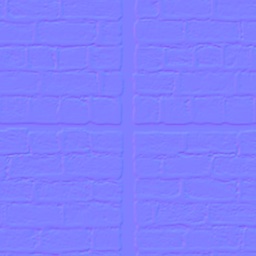
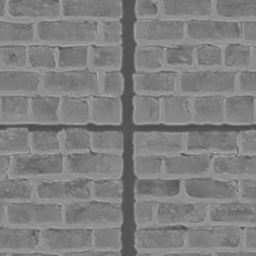

Raw map outputs. Roughness encodes 0.30–0.80 per the recipe (dark gray = smooth, light = rough); Metallic is constant 0.0 — brick is a dielectric, so the map is pure black by design.
Generated from BrickWall_recipe.json — delight 0.7 · normal strength 2.0 · roughness floor 0.3 / ceiling 0.8 · metallic constant 0.0
03 / WORKFLOW
Drop in a single texture or photo. No manual map splitting.
Write or reuse a recipe JSON for the material family.
Produce the full 6-map set into the material folder.
Verify in the Godot testbed, then export with an engine preset.
04 / WHY RECIPES
Hand-tweaking sliders for every material doesn't scale. PBR_Generator stores the exact generation parameters in a recipe JSON alongside the source maps — so any material can be regenerated, adjusted or audited later without re-discovering settings. The recipe is the single source of truth for the material.